
Yoga-Go App Review: Is Welltech's Tai Chi & Pilates App Worth Subscribing To?
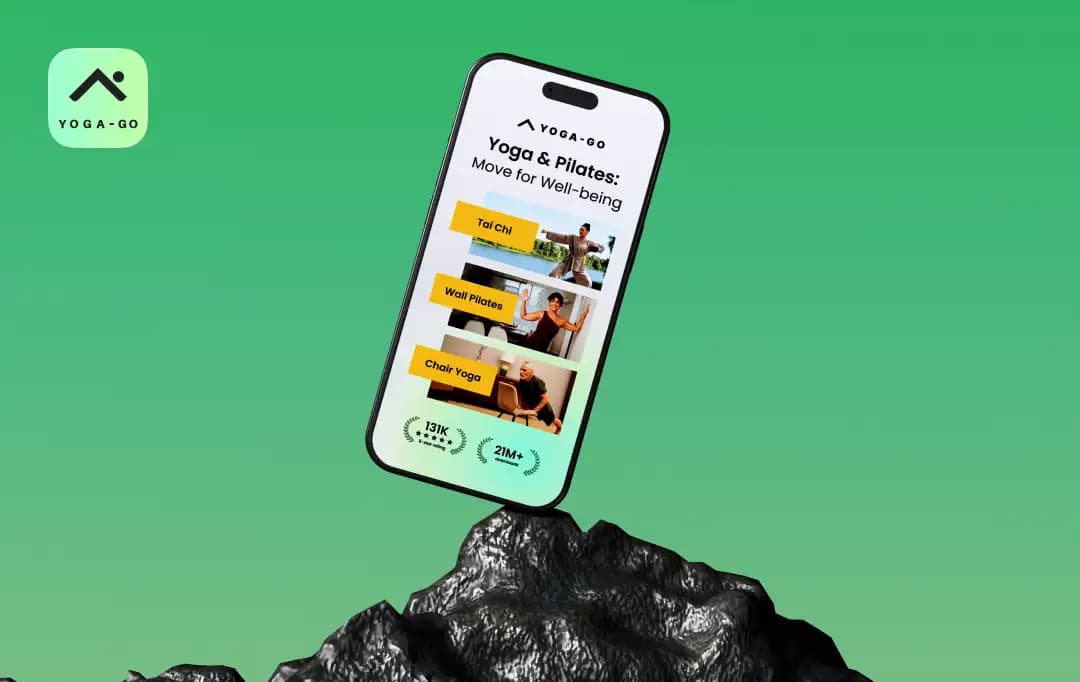
Yoga-Go is the kind of name that promises one thing while the app does 7.
As you open the app, you'll find Wall Pilates, Chair Yoga, Somatic Yoga, Sofa Yoga, classic yoga flows, plus stretching and breath work, all under one subscription.
Welltech has completely transformed its yoga app into a low-intensity movement platform for people who don't think of themselves as yoga people in the first place.
Whether that's a feature or a fault depends on what you came looking for. We spent days researching, testing each discipline, mapping the pricing maze, and pressure-testing the cancellation flow, so you don't have to learn any of it the hard way. This Yoga-Go app review covers everything you need to know before you tap subscribe.
Pros and Cons of Yoga-Go
Pros
- Seven distinct movement disciplines under one subscription
- Sessions run 7–30 minutes; built for inconsistent schedules
- 2,000+ low-intensity exercises, suitable for beginners and seniors
- Onboarding personalisation is fast and adapts to feedback
- Available in 10 languages, including Apple Vision support
Cons
- No clear free trial visible before payment for most users
- 11+ overlapping subscription tiers create pricing confusion
- Can get difficult for beginners to figure out advanced Yoga asanas through the video
Standout Features of the Yoga-Go App
Yoga Go is built and operated by Welltech. The product itself sells itself on a single promise — to make daily movement frictionless. There's no equipment requirement, no studio commute, and no class schedule to fit yourself around.
The recent renaming to Yoga-Go: Tai Chi & Pilates signals where the audience actually is. Wall Pilates and Chair Yoga drive most of the recent acquisitions. So, only classing yoga is not the headline product; you get much more.
Yoga Go packs more into one subscription than most rivals at its price point. Here's what makes this app stand out among the best Yoga apps.
1. Personalised plans built from onboarding
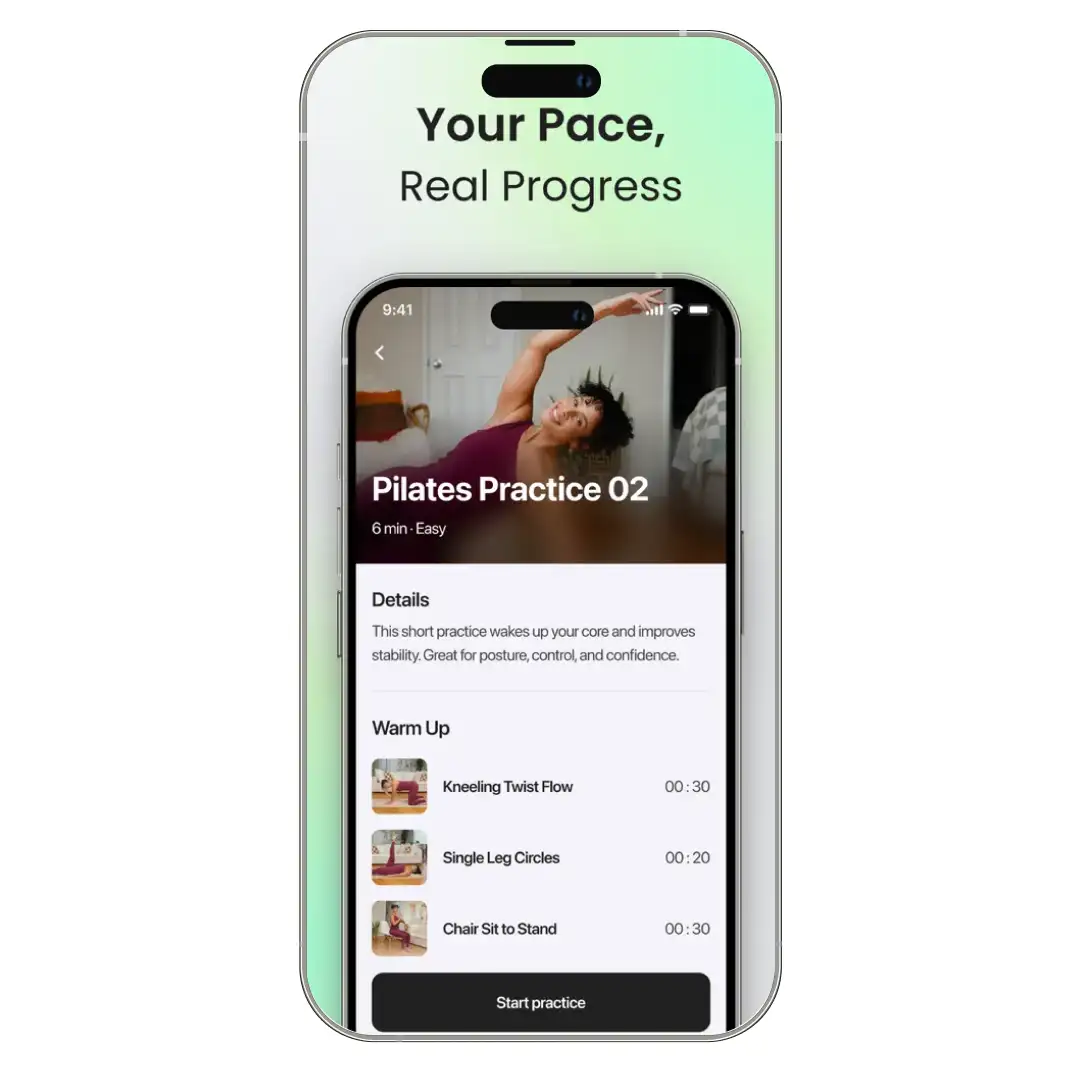
The signup questionnaire covers experience level, fitness goals, problem areas, age, and body type. Yoga-Go uses those answers to assemble a 28-day starter plan and adjusts as you mark sessions too easy or too hard. It's curation more than custom programming, but the curation is competent.
2. Seven movement disciplines under one subscription
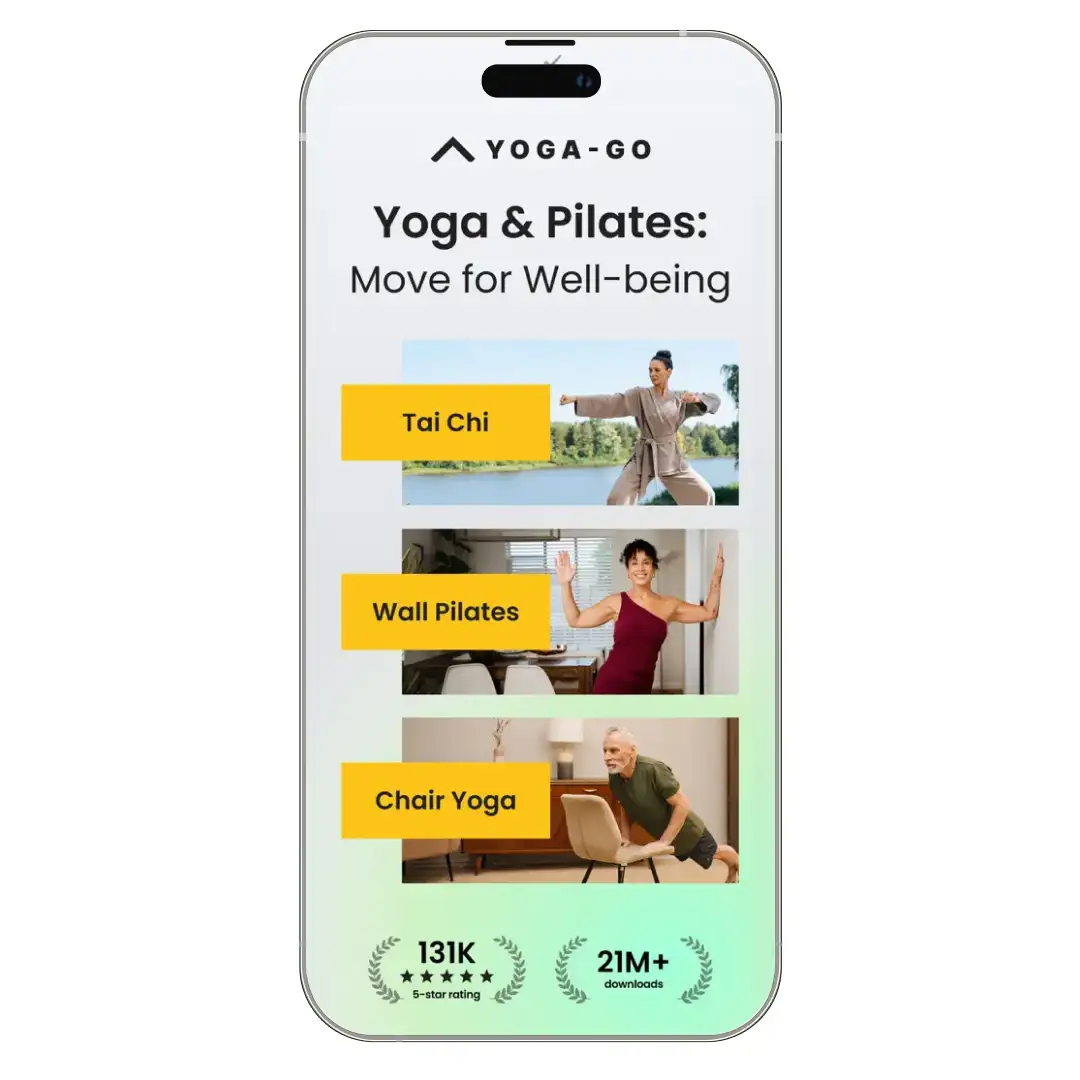
Yoga for Beginners, Somatic Yoga, Chair Yoga, Wall Pilates, Pilates, Tai Chi, and Sofa Yoga all live inside the same account. Stretching, meditation, and breath work come bundled. No competitor in this price band covers that range.
3. Session lengths built around real schedules
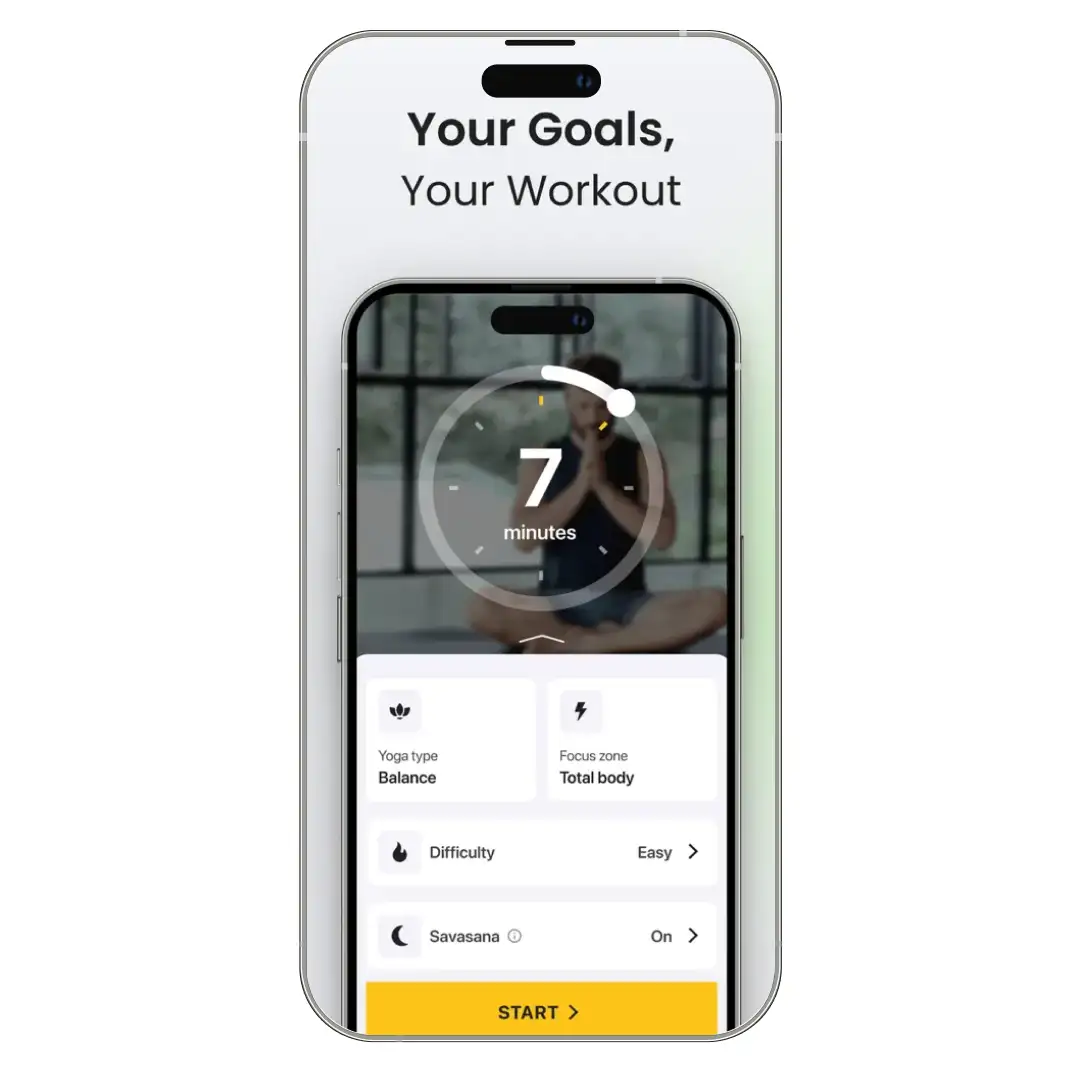
Workouts run anywhere from 7 to 30 minutes, with most beginner sessions clocking in under 20. Each plan ships with shorter versions when time is tight and longer ones when you want depth.
4. A 2,000+ exercise library
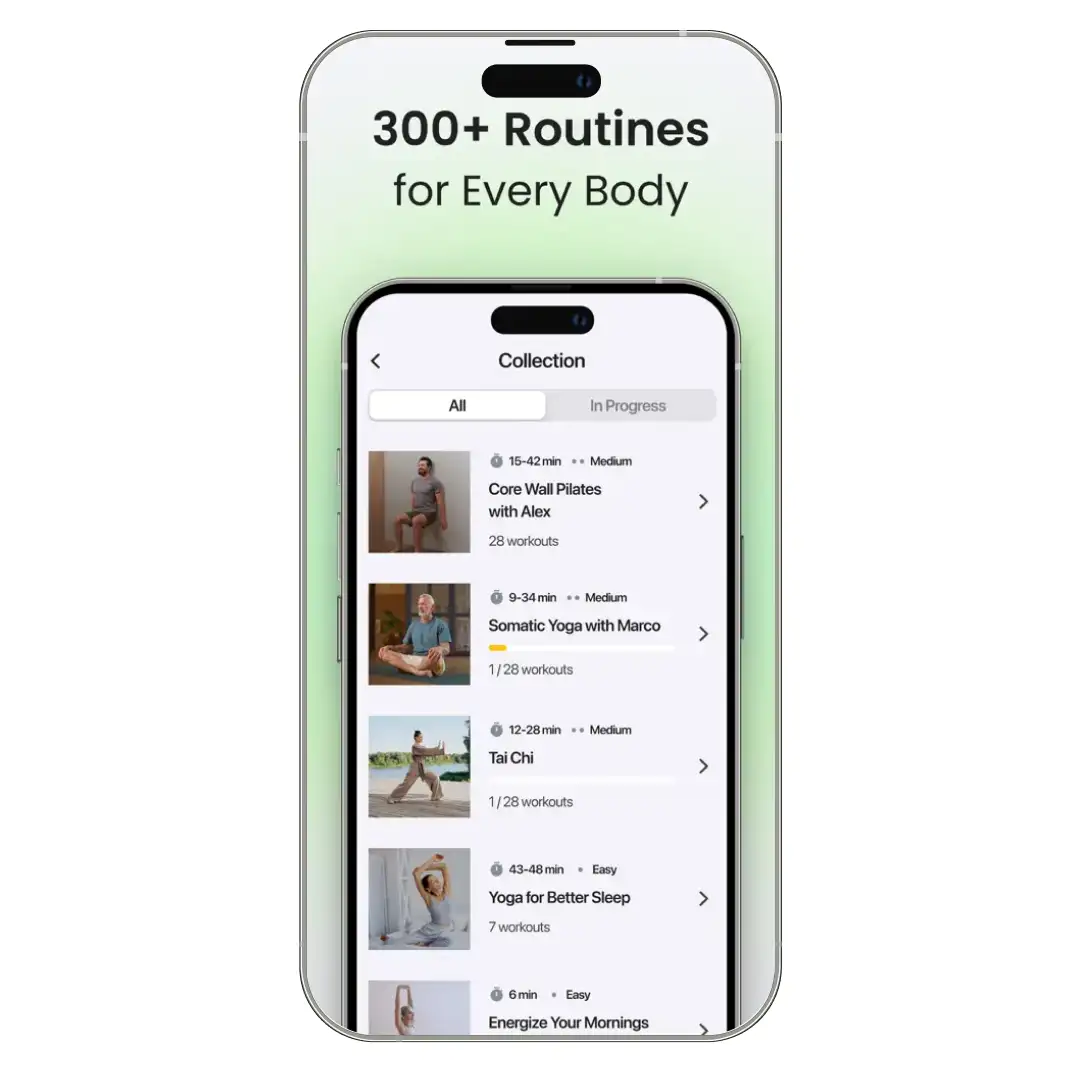
The catalogue spans low-intensity flows, supportive variations, and targeted sequences for tension areas like neck, back, and hips. Variety is one thing even critical reviewers consistently call out as a strength.
5. Structured 28-day challenge programmes
Welltech runs themed 28-day plans across most disciplines, including Chair Yoga for Seniors, Pilates Full-Body Flow, and Tai Chi for Beginners. Each delivers a daily sequence and tracks progress against a fixed schedule.
6. A no-equipment, home-friendly format
Every session is designed to run without a mat, blocks, or weights. Wall Pilates uses a wall, Chair Yoga uses a chair, and Sofa Yoga uses your couch. The friction-to-start is close to zero.
Bonus Read: Best Chair Yoga Apps for Seniors
The Seven Disciplines
Yoga Go's workouts and content library spans seven movement types. Each has dedicated programmes, beginner sequences, and longer challenges.
| Discipline | Description |
|---|---|
| Yoga for Beginners | Classic flows adapted for first-timers, taught with modification options. Sessions run 10–20 minutes. The bulk of the library sits here. |
| Somatic Yoga | Slow, mindful movement focused on nervous system regulation rather than poses. Useful for chronic tension, anxiety, and post-injury recovery. This is one of Welltech's flagship growth categories. |
| Chair Yoga | Built for seniors, office workers, and users with mobility limitations. Welltech runs a dedicated 28-day Chair Yoga for Seniors challenge that's promoted on the App Store events page. |
| Wall Pilates | Pilates flows performed against a wall for stability and support. The format took off in 2024, and Welltech has invested heavily in it; expect to see Wall Pilates pushed hardest in the onboarding flow. |
| Pilates | Traditional mat Pilates aimed at core strength, posture, and mobility. The instruction quality here is one of the app's strongest sections. |
| Tai Chi | Slow-flowing sequences for balance, breath, and lower-impact conditioning. Welltech promotes this aggressively to older users, and the rebrand puts Tai Chi in the app name itself. |
| Sofa Yoga | Stretches and poses performed from a couch. Marketed at users who consider a yoga mat a barrier to entry. Niche, but it converts. |
Understanding the Cost of Yoga Go App
Though this is considered the best free app for weight loss and meditation, the pricing remains the messiest part of the product. The App Store lists at least eleven in-app purchase options for U.S. users:
| Plan | Price |
|---|---|
| 1-month subscription | $14.99 |
| 1-month subscription (alternate tier) | $24.99 |
| 3-month subscription | $44.99 |
| 12-month subscription | $52.99 |
| 12-month subscription (alternate tier) | $59.99 |
| 12-month subscription (premium tier) | $69.99 |
| Premium upgrade | $19.99 |
| Premium upgrade (alternate tier) | $34.99 |
| Forever subscription | $149.99 |
The reason for the multiple tiers is dynamic pricing: Yoga-Go presents different rates based on where you signed up, what discounts you qualified for, and which onboarding cohort you landed in. A recurring theme across many Yoga-Go reviews is that pricing can feel inconsistent depending on when and how users subscribe.This works in the user's favour if you're willing to walk through onboarding carefully. It works against you if you tap through quickly: you can end up on the higher monthly tier without realising a more affordable option existed.
Premium add-ons (specialised guides on weight loss, nutrition, sleep) are sold separately and stack on top of the base subscription. They are not required.
Is Yoga-Go Legit?
The short answer: this yoga app for weight loss is legit. The longer answer is where it gets useful.
Welltech is a registered company, the app has been continuously updated since launch (current iOS version 11.8.0, shipped within the last week), and the workouts are designed by certified yoga and fitness instructors.
A scan through recent Yoga-Go reviews also shows that most users find the workout structure and guided sessions credible, even when they raise concerns about pricing or subscriptions.
The 88,000-rating average of 4.6 on the App Store is not bot-inflated; the review volume and language patterns hold up.
What's driving the negative reputation is the same handful of issues, repeated thousands of times:
1. Auto-renewal surprise charges
Subscriptions renew automatically. Users who don't disable renewal at least 24 hours before the billing date get charged for the next cycle. This is standard for app subscriptions, but Yoga-Go's onboarding doesn't make the renewal terms loud enough.
2. App deletion doesn't cancel
This trips a meaningful percentage of users. Removing the app from your phone has zero effect on billing.
3. Refund refusals
Welltech's stated policy is no refunds for unused time on a cancelled subscription. Reviewers expecting prorated refunds run into this wall repeatedly.
4. Cancellation routing varies by signup source
Users who subscribed via the Yoga-Go website cancel through their web account. Users who subscribed via the App Store or Google Play cancel through their device subscriptions. People who don't remember which path they used often look in the wrong place.
None of this makes Yoga Go a scam. It does make Yoga-Go a subscription product where the friction is concentrated at the exit, not the entry. If you sign up, set a calendar reminder for 48 hours before your renewal date. That single habit eliminates the most common complaint.
How to Cancel Yoga-Go Without Getting Charged
The cancellation flow depends on where you subscribed.
Yoga-Go vs. Its Competitors (Down Dog, Alo Moves, and Glo)
Here is a quick comparison between Yoga Go and other best yoga apps available in the market-
| Basis | Yoga-Go | Down Dog | Alo Wellness Club | Glo |
|---|---|---|---|---|
| Monthly Pricing | $14.99 | $9.99 | Free with Alo Access signup | $30 |
| Annual Pricing | $52.99 | $59.99 | N/A | $245 |
| Free trial | Discounted first month | 22 days | N/A — fully free | 7 days |
| Disciplines covered | 7: Yoga for Beginners, Somatic, Chair, Wall Pilates, Pilates, Tai Chi, Sofa Yoga | Yoga (5 styles) + HIIT, Barre, Prenatal, Meditation | Yoga, Pilates, HIIT, Barre, Meditation, Sound Baths | 25+ yoga styles + Pilates, Barre, HIIT, Meditation, Breathwork |
| Session length | 7–30 min | 4–80 min, customisable | 5–60+ min | 5–90 min |
| Live classes | No | No | Some live + on-demand | Yes, daily |
| Personalisation | Adaptive 28-day plans from onboarding | Algorithmic — unique flow every session | Curated collections and programs | Goal-based multi-class series |
| Platforms | iOS, Android, Apple Vision Pro | iOS, Android, web | iOS, Android, Meta Quest VR | iOS, Android, web, Apple TV, Roku, Fire TV, Apple Watch |
| Best for | Beginners, seniors, low-intensity movement | Customisation-first beginners and intermediates | Production-value seekers; intermediate to advanced | Serious yogis, teachers, multi-style practitioners |
| The catch | Subscription tier confusion; cancellation friction | No live classes; plain production; no pose library | Free model is new — paywalls may return later | Most expensive in this set; weakest personalisation |
Customer Reviews
How was your experience with the product?