
AirOps Review 2026: Is It Actually Worth the Learning Curve?
If you work in SEO or content, you've felt the ground move. People aren't typing questions into Google the way they used to; they're asking ChatGPT, Perplexity, and Gemini, and a growing share of them never click through to your site at all. That's not a hypothetical shift anymore; it's the new baseline your content strategy has to answer to.
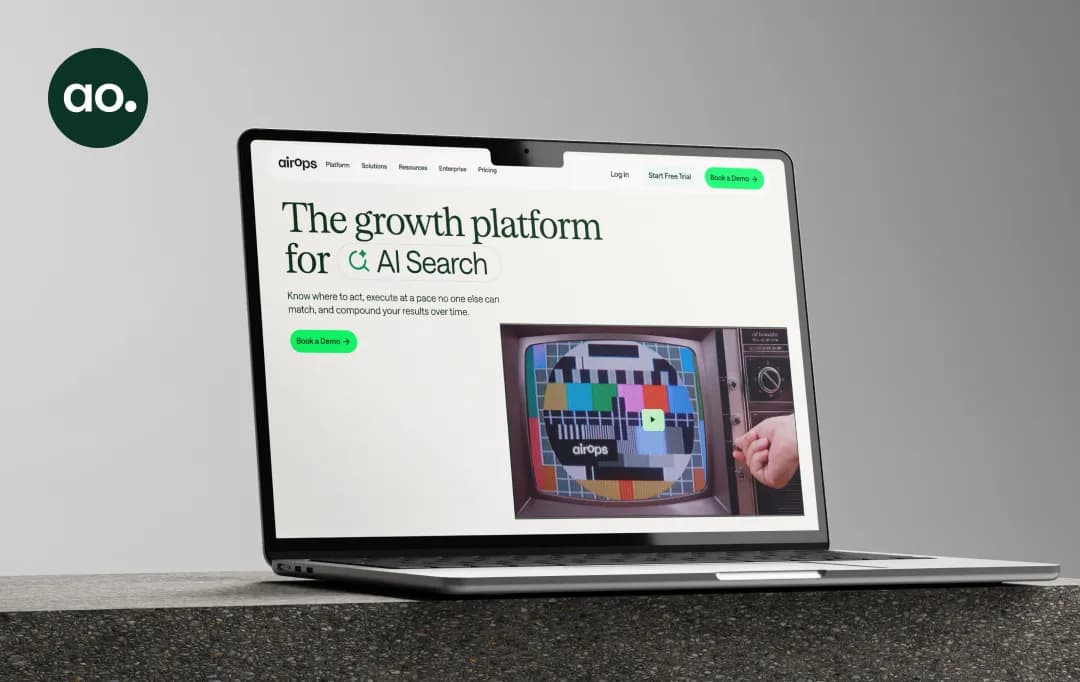
AirOps built its entire pitch around that exact moment. It calls itself "the growth platform for AI search," and it's not just promising to tell you where you stand in AI answers, it claims it'll actually fix the problem for you, not just flag it.
We put that claim to the test. We spent real time inside the platform itself, then cross-checked it against a stack of AirOps reviews, Reddit threads, and independent write-ups to see whether AirOps AI lives up to the pitch or whether it's just another tool asking your content team to learn a new interface. Here's what we found.
Pros and Cons of AirOps
Pros
- Closes the loop between AI visibility insights and actual published fixes, it doesn't stop at the dashboard
- Grids give teams a spreadsheet-style command center for bulk content operations
- Human-in-the-loop review checkpoints keep AI output from being published unchecked
- Direct CMS publishing to WordPress, Webflow, and Shopify
- Strong, hands-on customer support during onboarding, per most reviewers
Cons
- Steep learning curve; most teams report 2–3 weeks before feeling genuinely productive
- The task-based credit system can burn through budget fast, especially on research-heavy articles
- No CRM, outbound, or lead-enrichment integrations, GTM teams will still need other tools
- Pricing isn't public; real Pro and Enterprise costs require a sales call
- Post-publish performance analytics are thin; you'll likely still lean on GA4 or a BI tool
What Does AirOps Offer?
Call AirOps a content platform or just an SEO tracking software, and you'd be underselling it. It stretches across AI search visibility tracking, no-code workflow automation, and brand-governed production at scale. Here's what actually stands out once you're inside it.
1. Insights
This is the diagnostic layer; it tracks citations, share of voice, and competitor visibility across ChatGPT, Gemini, Perplexity, and Google AI. A feature called Page360 rolls that data up alongside traditional Google Search Console and GA4 numbers, so instead of toggling between your AI visibility metrics platform and your organic dashboard, you get both in one view.
2. Quill
An AI agent sits at the center of AirOps AI, drafting, refreshing, and monitoring content against your brand voice. It's designed to behave less like a chatbot you prompt and more like a teammate that turns insight straight into published work, with a human still reviewing before anything goes live.
3. Workflows and Playbooks
Workflows are fixed, step-by-step automation chains: scrape data, analyze SERPs, generate a draft, publish. Playbooks are the newer, looser format, simple instructions with built-in approval gates, so the agent reasons inside guardrails instead of following the exact same script every time.
4. Grids
A spreadsheet-style command center for planning, assigning, and tracking content as it moves through the pipeline. "Editorial calendar on steroids" is a fair description once you're running hundreds of pieces through it at once.
5. Brand Kits and Knowledge Bases
Centralized repositories for tone, first-party facts, and brand context, so output stays on-voice instead of drifting generic as volume scales across a large content library.
6. Offsite Tracking
Built around a sharp insight: a large share of AI visibility comes from content a brand doesn't own. Offsite is built to monitor and actively build third-party mentions and citations, rather than only optimizing owned pages.
7. CMS and Tool Integrations
Direct publishing to WordPress, Webflow, and Shopify, plus connections to AI SEO tools like Ahrefs, Semrush, and Moz, along with standard project management tools, so a draft doesn't die in a Google Doc waiting on a copy-paste.
If technical polish like article schema and structured markup matters to your team, it is worth confirming during setup whether it's handled natively in the publish step or needs a plugin layer on the CMS side.
8. AirOps MCP
An MCP server that lets AirOps' data and workflows be pulled directly into Claude, Cursor, and other MCP-compatible clients, extending the platform well past its own dashboard.
Bonus Read: Best GEO Tools
Understanding AirOps Pricing
Not many AI content generators work on a task-based, credit-metered pricing model, but AirOps is different. Its pricing is divided across three tiers, rather than a flat per-seat rate. Here's an overview of AirOps pricing.
| Plan | Price | Best For | Key Limitations |
|---|---|---|---|
| Solo | Free to start | Individuals building content for one brand or project | Task allocation exhausts fast once past testing; limited AI search coverage |
| Pro | Custom, task-based (contact sales) | Teams scaling content and AI search visibility together | Tasks consumed per workflow step; a single article can use 500–800 tasks |
| Enterprise | Custom pricing | Organizations needing custom workflows, dedicated support, and multi-brand management | Requires contacting sales; no published pricing |
A separate Insights add-on covers dedicated AI search visibility tracking outside the core content workflow tiers.
*This is the recent pricing as of July 2026. For further pricing information, visit AirOps directly, since published rates change often and real costs depend on task volume.
AirOps Solutions
Beyond generic AI workflows, AirOps packages its platform around specific use cases within content and SEO operations, each with tailored templates and automation. Here's how the core use cases break down.
| Use Case | What AirOps Offers | How It Helps |
|---|---|---|
| Content Refresh | Automated audits of aging pages, premium SERP and keyword data, guided rewrite workflows | Recovers lost rankings and AI citations on existing pages without a manual rewrite queue |
| Content Creation | Keyword research import, AI-generated briefs, internal linking suggestions, drafting through Quill | Turns keyword or opportunity data into a structured draft ready for editorial review |
| AI Search Visibility (Insights) | Citation tracking, share-of-voice reporting, competitor benchmarking across AI engines | Shows exactly where a brand is winning or losing inside AI-generated answers |
| Offsite | Third-party mention monitoring and brand-building workflows | Targets the majority of AI visibility that comes from content the brand doesn't directly control |
| Agency Operations | Reusable workflow templates that replicate across multiple client accounts | Cuts down on rebuilding the same process for every new client engagement |
Who Is AirOps Suitable For?
AirOps is a leading AI visibility metrics platform that is a stronger fit for some teams than others. Here are the personas where AirOps fits well and a few where it doesn't.
| Team Type | Good Fit? | Why |
|---|---|---|
| Mid-size to enterprise SEO teams with large content libraries | Yes | Grids and Workflows are built to handle bulk refresh and creation at scale |
| Agencies managing multiple client accounts | Yes | Reusable workflow templates cut down on the rebuilding process per client |
| Content teams with an established editorial process | Yes | AirOps scales an existing process rather than building one from scratch |
| Solo creators or teams without a defined workflow | Not ideal | Setup overhead and cost outweigh the benefit without existing process maturity |
| GTM or sales teams needing enrichment and outbound | Not ideal | No CRM, lead enrichment, or outbound tooling; it only covers the content layer |
| Teams wanting a plug-and-play AI writer | Not ideal | The learning curve means weeks, not minutes, to real output |
Bonus Read: Best AI Workflow Automation Tools
Customer Reviews
How was your experience with the product?