
VidiCable Review- Features, Pricing, & More
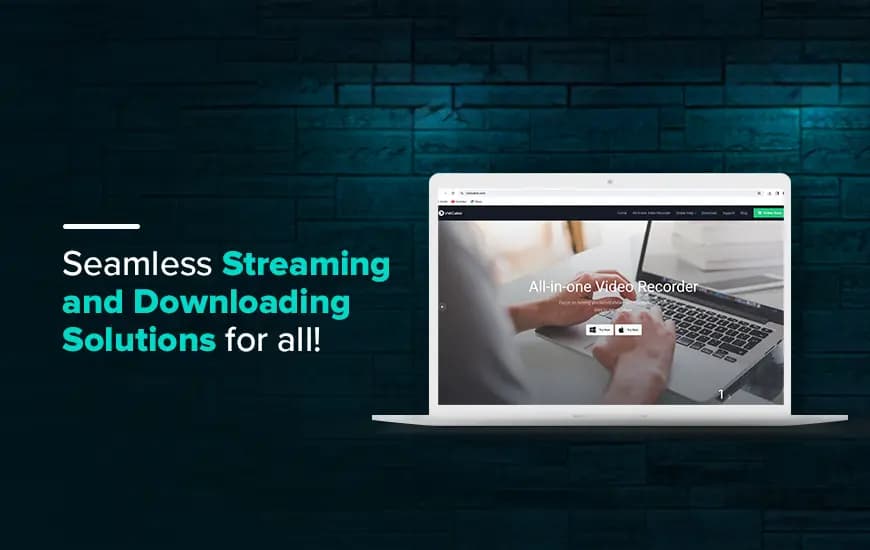
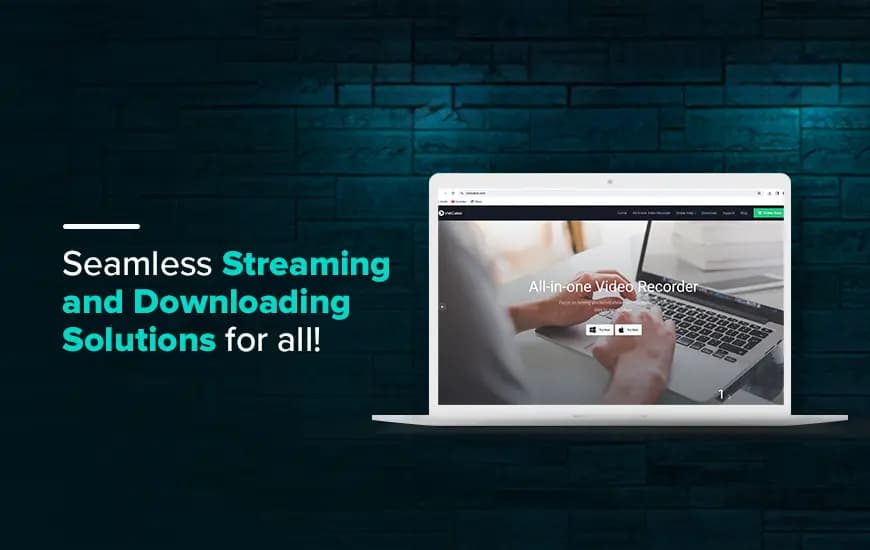
VidiCable is among the most reliable video streaming and downloading software which offers a smooth experience for all. Users can watch all their favorite content from YouTube, Amazon Prime, Netflix, or other streaming platforms under one roof.
Streaming platforms and video downloaders often give you the liberty to stream and download all videos in the best quality possible. Downloading videos and saving them on your device allows you to stream content even without a stable internet connection.
With an all-in-one video recorder like VidiCable, you can download videos from different streaming platforms from a single source. With a creative screen recording core and support for HD downloads, VidiCable is a preferred choice for many users across the globe. In our VidiCable review, we will explore all about this software and offer valuable insights about it.

Pros and Cons of VidiCable
Pros
- An all-in-one video recorder and platform to capture streaming videos
- Supports fast download speed for all videos
- Choose from multiple subtitles and language options
- Download videos in MP4/MKV format as per your choice
Cons
- Requires a restart every time you switch sites
- Record streaming videos on Windows and Mac only
- Offers limited simultaneous downloading capabilities
What is VidiCable, and How is it useful?
If you are wondering how to record streaming videos, VidiCable is an ideal choice for all users who are looking for an all-in-one streaming and downloading solution. This video recording software works seamlessly with both Mac and Windows desktops. Users can watch videos from YouTube, Twitter, Netflix, Amazon Prime, and others, even without an internet connection. Additionally, this software ensures high resolution for all downloaded videos.
With its HD capabilities and multiple downloading options, you can save videos on your device in the preferred format- MP4 or MKV. This premium downloader software enables you to stream and save all kinds of videos including TV shows, sitcoms, movies, and much more.
The straightforward interface of the video recording software makes it easy to use for all users. It integrated well with different platforms, allowing you to download videos from virtually any channel with ease. VidiCable functions as the most promising streaming video player, allowing users to view their favorite shows from multiple sites after signing in.
With its advanced technology and optimized features, VidiCable supports batch downloading of videos, significantly optimizing users’ download time and alleviating all potential inconveniences. It is a comprehensive and the best streaming video recorder that sets you free from the constraints of downloading videos from individual platforms.
Stream and download anytime, anywhere with the VidiCable video downloader!
What are the exceptional features of VidiCable?
VidiCable is known for its exceptional and straightforward capabilities to download and record streaming videos offline. Without annoying ads and constant interruptions, this software ensures a smooth streaming experience for its users, even without the internet.
Additionally, VidiCable software is known to offer many other features for an enriching user experience. Let’s explore the features of VidiCable in detail.
1. Record from Any Location
VidiCable lets you clip films from a variety of well-known websites, most of which are free. Dailymotion, Vimeo, XboxClips, TikTok, and YouTube are among these sites. Additionally, users can also capture their preferred shows from other streaming platforms like Netflix, Twitter, and over 10 other popular sites.
It is an amazing YouTube video downloader that stores videos in HD quality. As per VidiCable reviews, it has everything you need, whether it's an engaging film, an amusing series, or any other type of video content.
2. Superior video quality and broad compatibility

VidiCable ensures the high quality of your recorded videos on Vimeo, YouTube, and other platforms. Your favorite YouTube videos may be recorded in up to 8K resolution, which adds detail and makes the video appear more alive.
Unlike other platforms, it supports as much as 1080P resolution, ensuring crisp, clear visuals. The VidiCable app can be used on any PC or laptop that comes with Windows 7,8,10, or 11. Additionally, this app is also compatible with Mac devices running on version 10.15 or later.
3. Advanced Download Options

As per the VidiCable software review, you can download videos with the default settings, VidiCable also allows you to customize your downloads.
Advanced Downloads allows you to customize characteristics such as Video Quality, Subtitle Language, Save Subtitle, and Output Folder. You can choose between High, Medium, and Low video quality.
English, Dansk, Deutsch, and more languages are also available as subtitles. You can also select between internal and external downloads, hardcode subtitles, and customize the download destination.
4. Intelligent Search Options

If you are still unsure about which video to record or download, this tool allows you to search for streaming videos by URL or keyword. Based on VidiCable reviews, the search option is adaptable and user-friendly.
5. Stream shows from popular sites

VidiCable supports a variety of popular sites and streaming platforms. Users can enjoy all the popular TV shows, movies, and sitcoms using a single platform. Some of the famous streaming sites supported by the VidiCable app include the following-
- Netflix
- Amazon Prime
- YouTube
- Hulu
- Discovery+
- Vimeo
- Max
- Paramount+
- TikTok
6. Other Features

- Aside from the things listed above, some other features worth mentioning in our VidiCable product review are:
- It supports 25 interface languages, allowing you to use the software in the language of your choice.
- 5.1 Dolby Sound: You may keep 5.1 Dolby Sound with VidiCable software for a rich, clean audio experience.
- The app enables users to transfer or share videos to other devices. Transfer your videos to iPhone, tablets, PS4, or Android phones and enjoy non-stop entertainment on the go.
- VidiCable offers the latest updates and technical support without any additional charges.
- Recorded videos can be played anytime, anywhere without a stable internet connection as well.
What is the VidiCable pricing and the plans available for users?
As per VidiCable reviews, this downloading service has extremely affordable and genuine plans to offer to its customers. Based on the preferred services, users can choose a suitable plan and pay for whatever they are using.
The site does not charge any hidden costs from its users. Based on the services preferred, users can choose from 2 primary VidiCable pricing plans available. Let’s discuss the plans offered by this streaming video recorder in detail.
| S.NO | PLANS | PRICING |
|---|---|---|
|
1. |
|
$99.9/year |
| 2. |
|
$199.9/ one-time purchase |
Based on your requirements, you can choose a subscription plan for a lifetime or a year. As per VidiCable reviews, both plans have similar features to offer. However, the lifetime plan will guarantee cost efficiency in the long run.
Customer Reviews
How was your experience with the product?