Nordpass Review - Is It the Best Password Manager?

As we become more and more reliant on the current virtual digital ecosystem, our need to adopt password managers like NordPass immensely increases. In fact, every month, tonnes of people lose their passwords, personal information, and even PINs to cyber attackers. But can a tool like NordPass help gatekeep all your sensitive information?
Well, NordPass is a tool developed by Nord Security that can be used for securing passwords and other sensitive information + seamless authentication. So, for me, the only way to learn about its capability was to create a detailed NordPass review to help you uncover multiple aspects of the tool. Therefore, let’s read ahead!
Pros and Cons of NordPass
Pros
- Offers both personal and business plan
- Uses advanced XChaCha20 encryption
- Works on Zero-Knowledge encryption
- Delivers an intuitive and navigable user interface
- Compatible with multiple operating systems and browsers
- Live text scanning to capture passwords and extract information
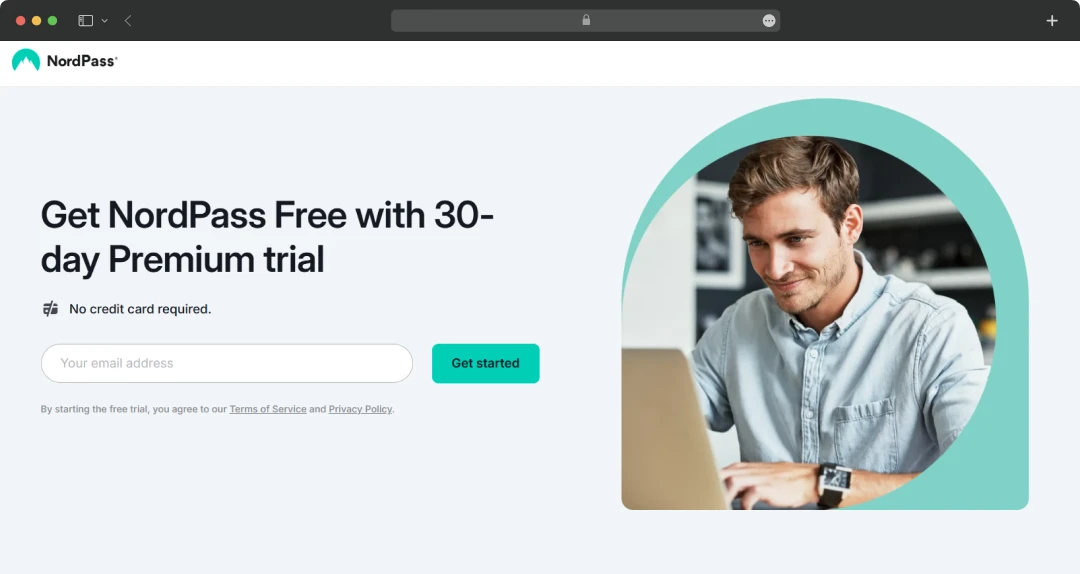
- Comes with a free trial of 30-Day
- Offers affordable premium plan
- Robust and responsive customer support
- Secure login and payment sharing amongst other co-workers
- Password recovery with a recovery code
- Independently audited by Cure53, SOC 2 Type 1 and Type 2, etc.
- Email Masking to create email aliases and access storage
- Password Health inspector to judge the strength of password
- Delivers emergency access
- Provides detailed data breach reports
Cons
- Free plan restricted to one device
- Doesn’t provide customization options for the vault
App Specifications of Nordpass
Before adopting any application or service, it is important to check its specifications for a seamless experience. Extending this thought further, here are the app specs to run it.
| Technical Specifications | iOS | Android |
|---|---|---|
| Version | 3.45 | 4.16.6 |
| Updated On | Dec 10, 2024 | Dec 3, 2024 |
| Category | Password Health Tool | |
| Size | 182 MB | 36.65 MB |
| Compatibility | iOS 15.0 or later | Android 9 or later |
| Language Supported | English, Dutch, French, German, Italian, Lithuanian, Spanish | |
Features of Nordpass
It is impossible to judge the capability of a tool without assessing its features. So, below, I have mentioned all the possible enticing NordPass features that will help you decide its utility for you.
1. Get Every Item in a Single Place
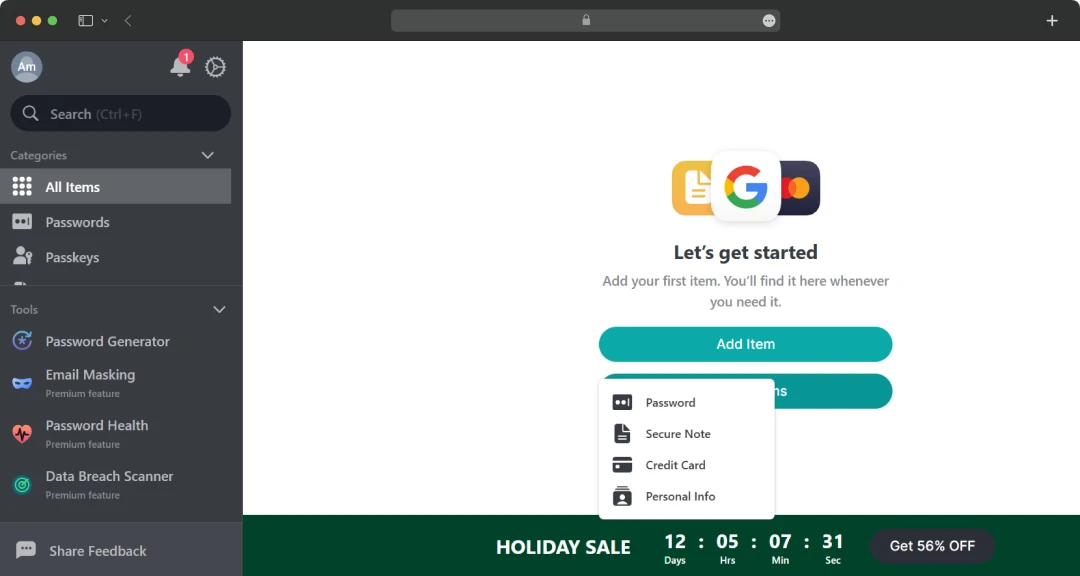
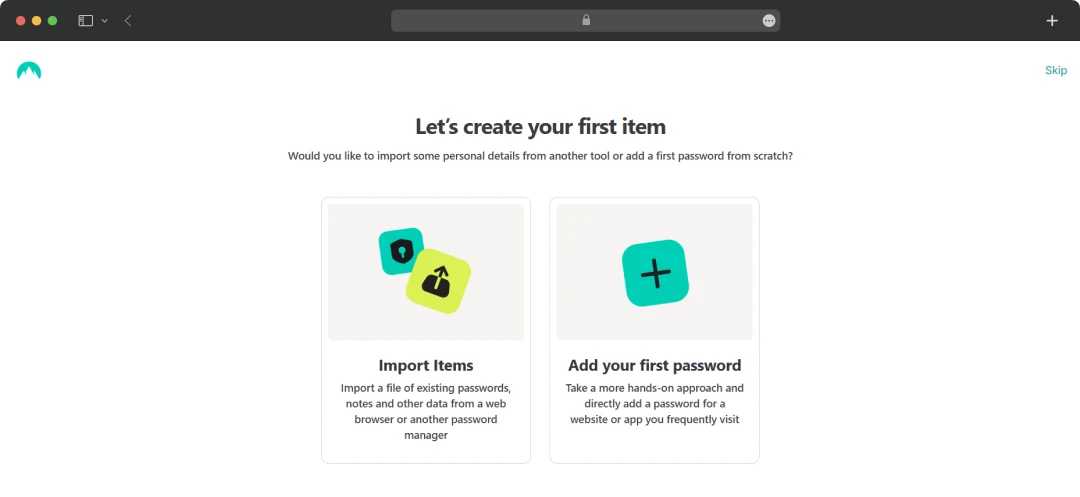
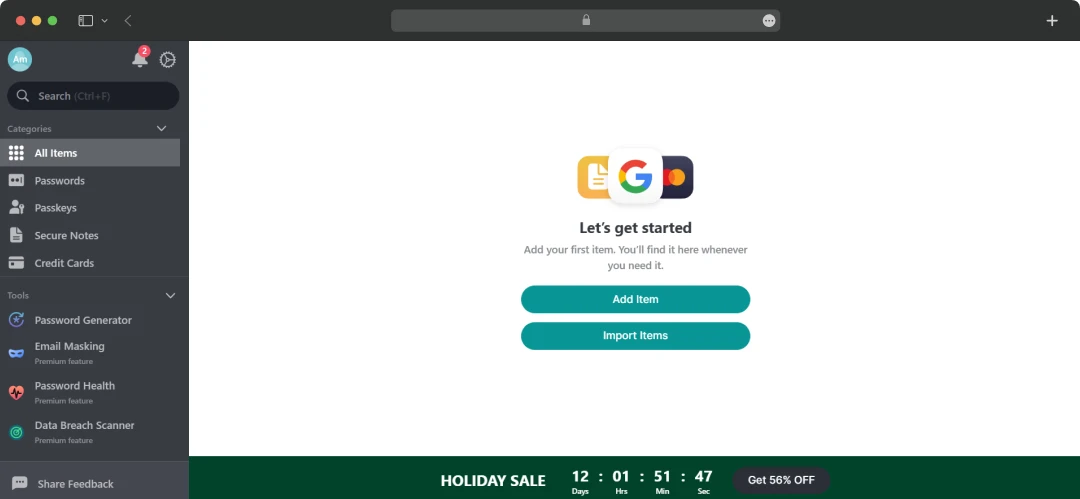
With NordPass, you just don’t save passwords. Instead, the system allows you to create secure notes and save them, + you can save passwords and personal info all in one place.
These can be created manually by clicking on Add item, or you can import them from an older file with a CSV extension.
2. Save All Passwords
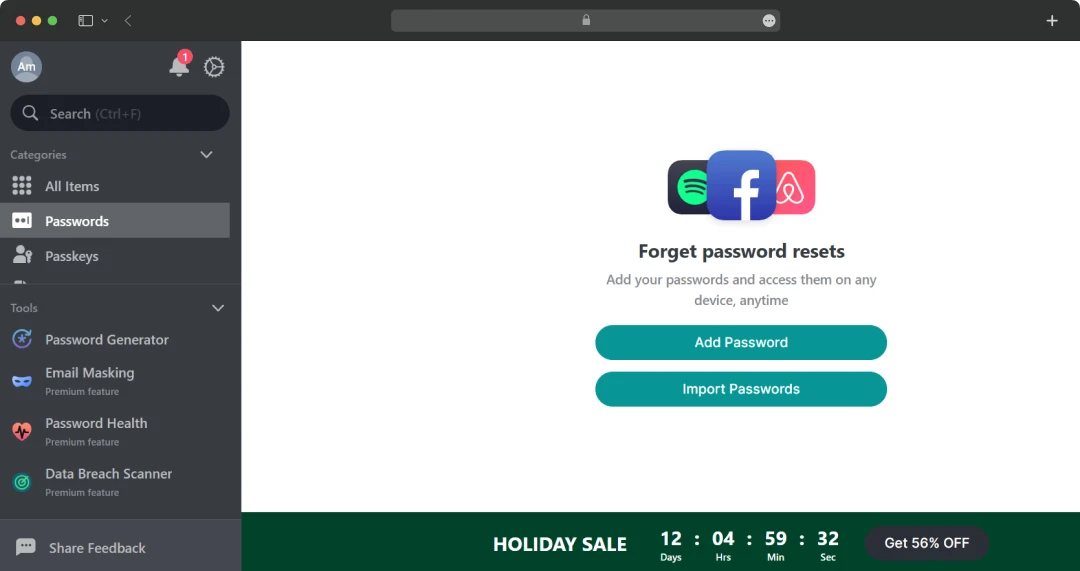
This is the dedicated space where you can save all passwords. Simply click on “Add Password” to add them manually, one by one, or you can import passwords from your old password manager. This will not only create a centralized way of storing your passwords but will also act as a library for all your passwords.
3. Passkeys
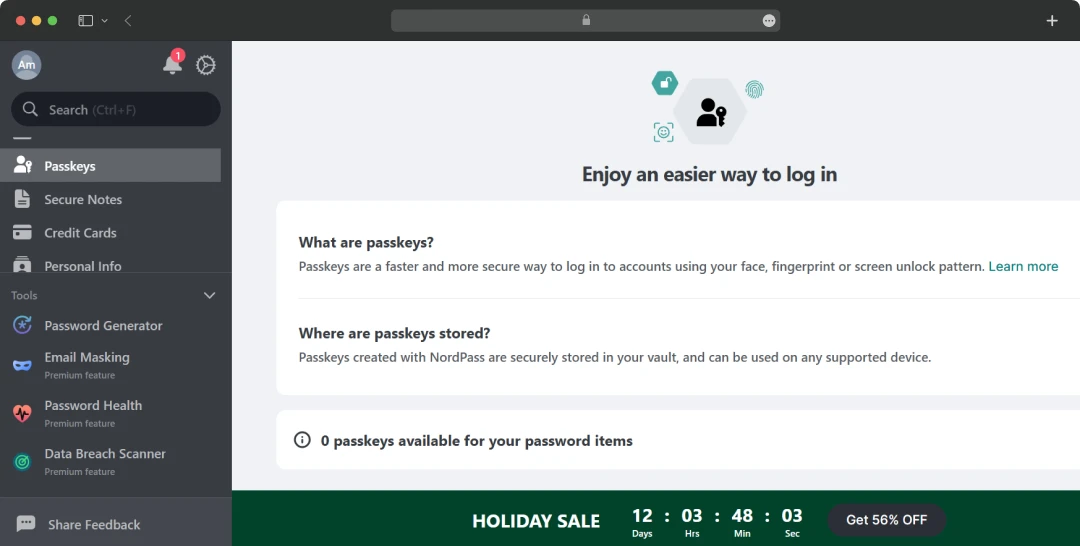
Passkeys are a modern way of authentication. These are stored in the device (in this case, the NordPass app). So, the moment a user wants to authenticate, let’s say, their Netflix account, this passkey will help in automatic authentication. It is not a standard feature that is always offered with free password managers. However, NordPass delivers it and provides its support with flying colors.
4. Secure Notes
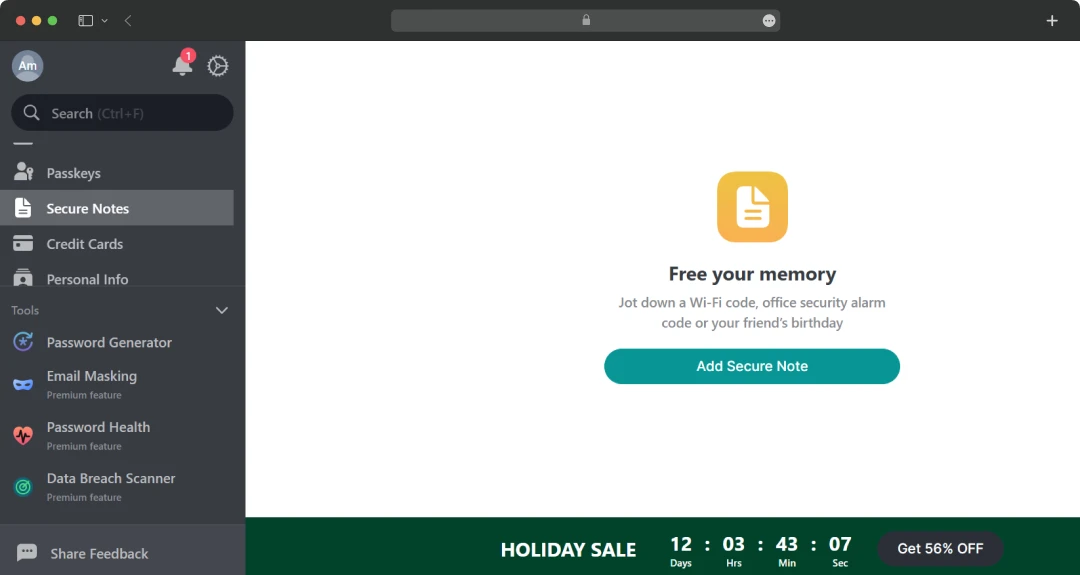
Here, you can store all the notes that you want to secure. Simply click on the button “Add Secure Note,” and you will be taken to the next screen. Here, you can input necessary information like Title, Note, Field, etc.
5. Credit Cards
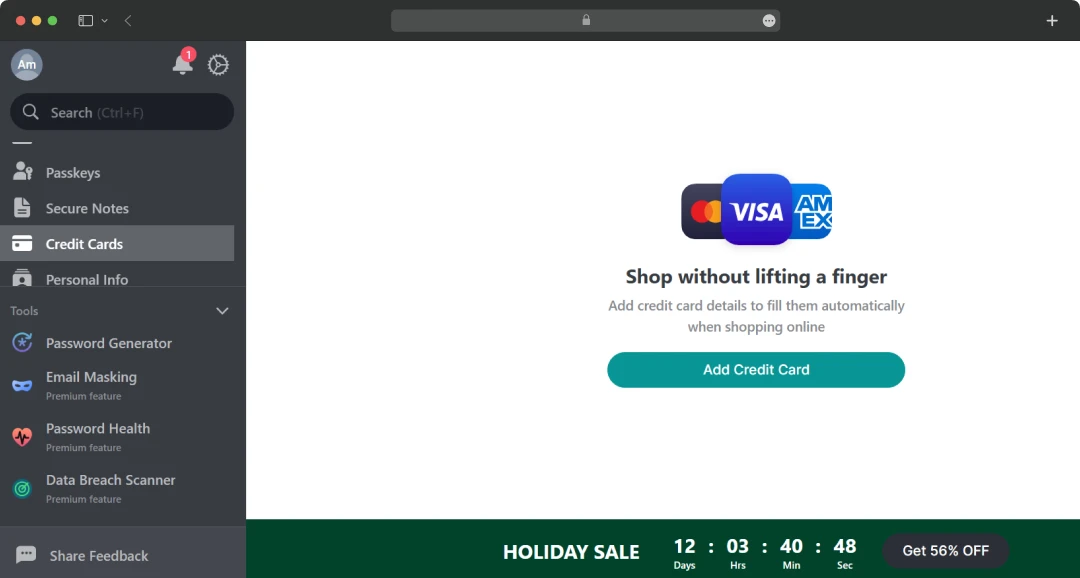
This is the dedicated space where you store information related to all your credit cards. You just need to click on “Add Credit Card,” and it will take you to the screen to input your credit card information for details like the cardholder's name, card number, CVV, etc. Once you have saved your data, whenever you are shopping online, the card details will automatically fill up for a seamless experience.
6. Personal Info
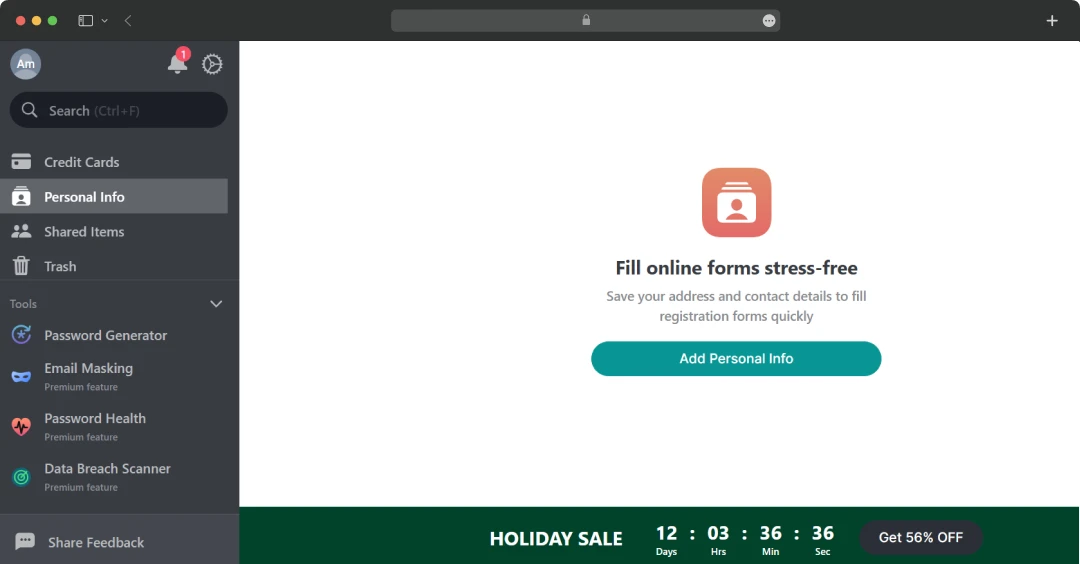
Here, you can fill up all your personal details like Full Name, Email, Phone, Address, etc. So, next time you want to fill in details or a form for registration, it will input all the data quickly. This will radically speed up any process related to online form fill-up.
7. Shared Items
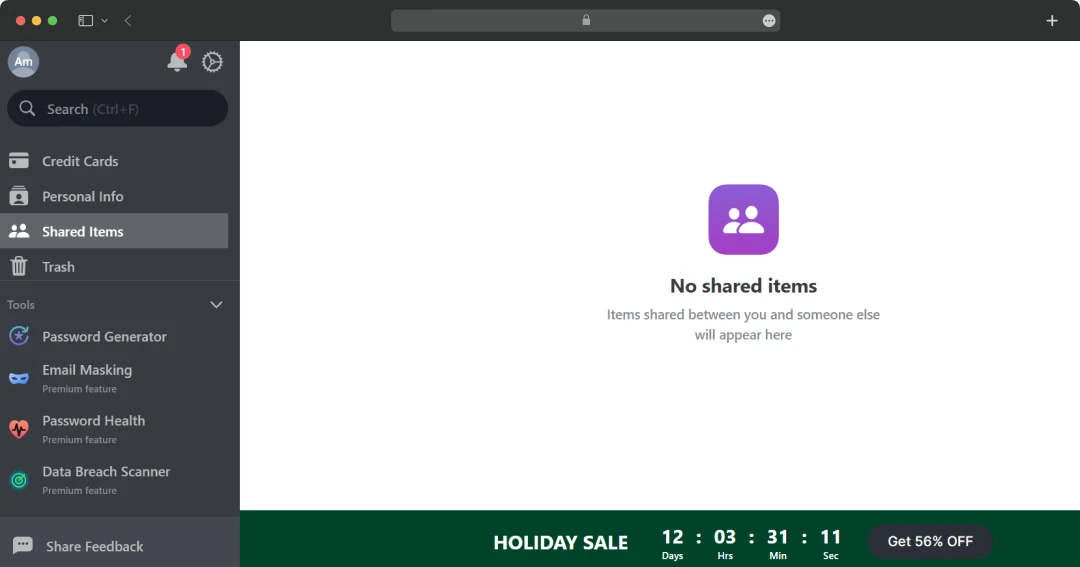
With this feature, you can share items with someone else. You simply need to enter the email of the person with whom you want to share the item, and it's done. This acts as a great secure way to share login credentials, secure notes, credit card details, and other membership information.
8. Password Generator
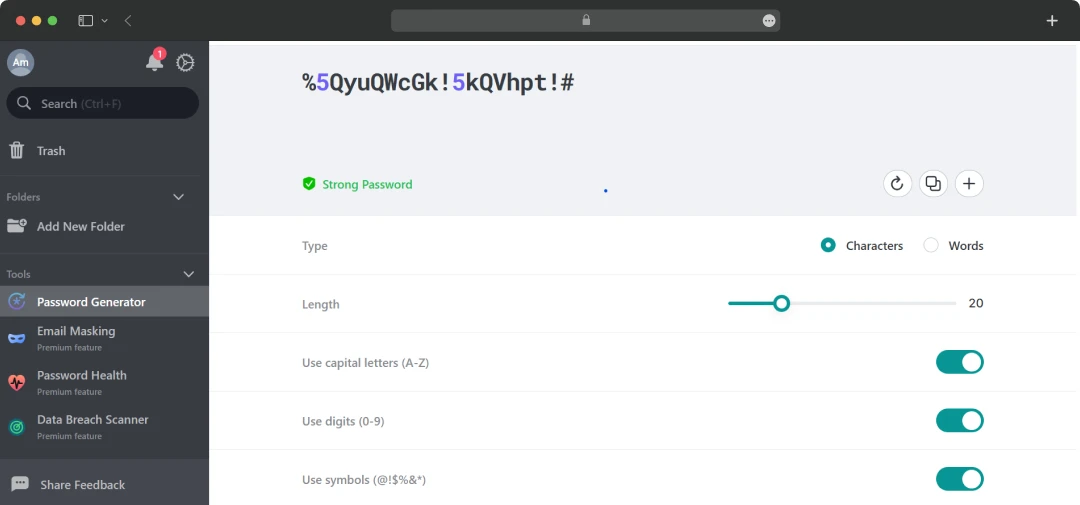
Amongst the most interesting features covered in this Nordpass review. Using this, you can generate strong passwords for your subscriptions and memberships. As you can see in the image, you also get the option to select the type of password, length, capital letters, digits, and symbols.
9. Email Masking
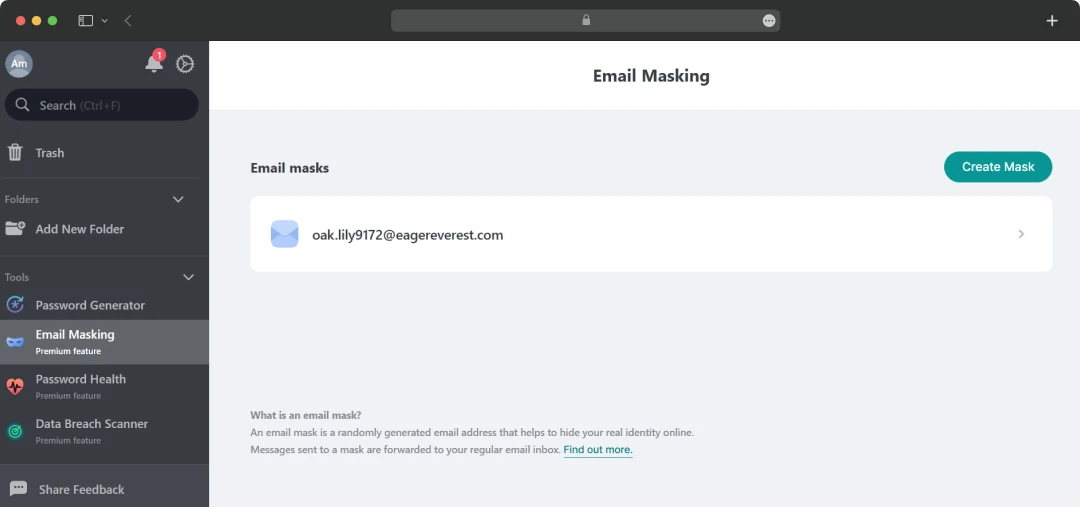
The email masking feature of NordPass allows you to create temporary emails that can be used as online alias. In fact, there are several benefits of using this feature if you want to enhance online privacy and security. These are:
- Reduced Spam: Using masked emails can significantly reduce spam.
- Protection from Phishing: Masked emails make it harder for attackers to target the right email to protect it.
- Data Breach Mitigation: In case of a data breach, only the masked email is compromised.
- Privacy Preservation: It secures your email address from being collected and used for targeted marketing advertising or any other activity.
- Inbox Organization: You can have different masked emails for different purposes like shopping, social media, etc. This automatically helps you better organize your inbox and automatically filter out unneeded messages.
10. Password Health
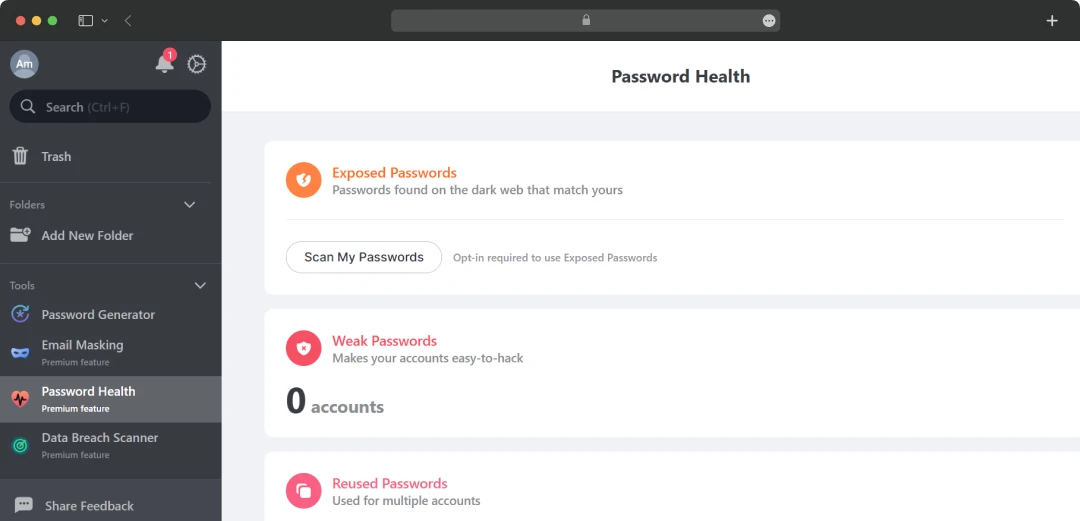
Another interesting feature of NordPass. With this feature, you can assess the quality of passwords that you are using. It shares details on passwords that are exposed on the dark web, weak passwords that are easily breachable, and reused ones for multiple accounts. Upon analyzing, you can make the decision to change the passwords using its generator and improve overall security.
11. Data Breach Scanner
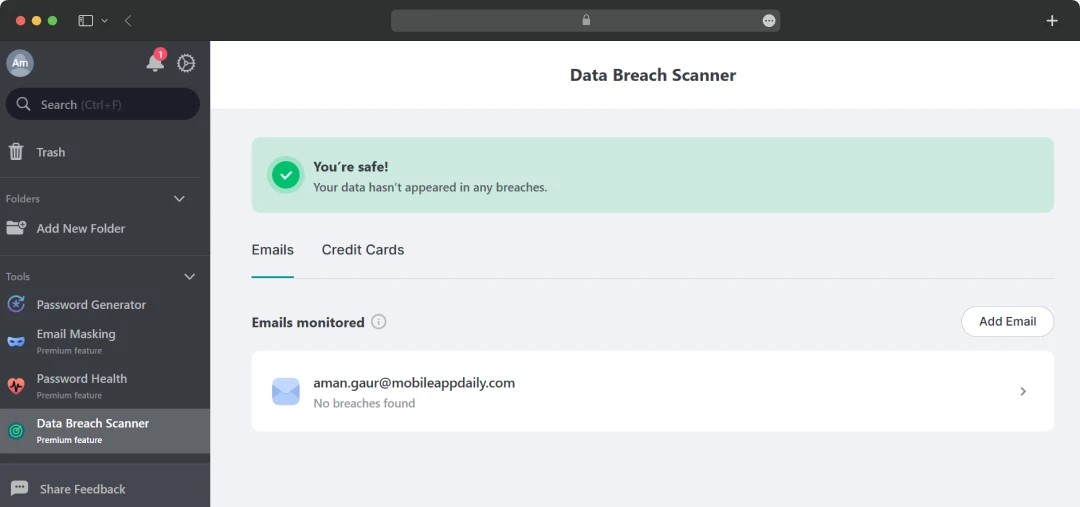
The sole reason why tools like NordPass exist is to secure your personal data ultimately. However, what if your data has already been compromised? Well, NordPass’s breach detection tool continuously monitors your email addresses and credit cards. Whenever the system finds any of your sensitive data in any of the leaked databases, it immediately sends a notification to take prompt action.
12. Customizable Settings
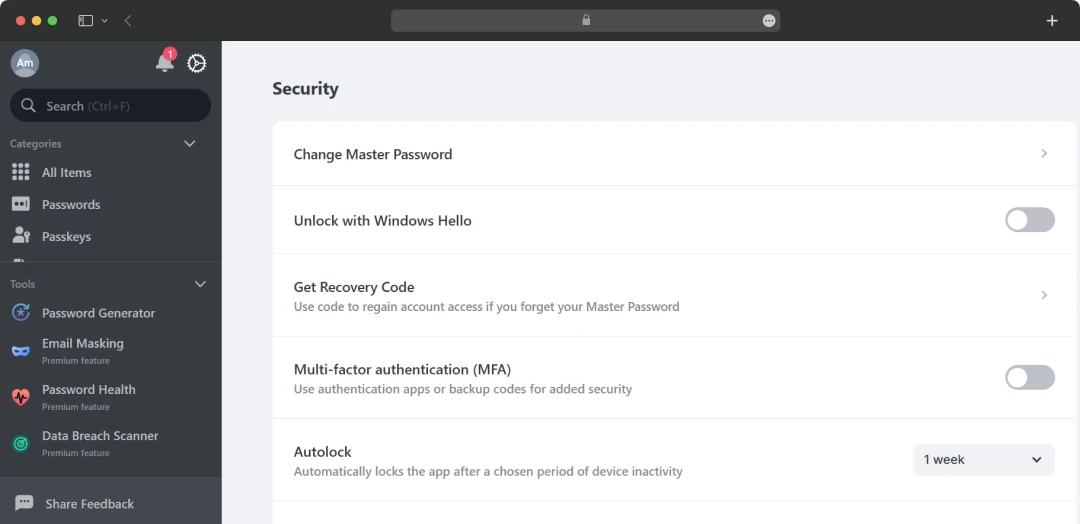
Securing the application which is protecting your passwords is much more important than securing the passwords. And developers at NordPass understand this. This is the reason they have given you the power to customize the application for usage. For instance, you can change the subscription type with ease, choose multi-factor authentication for login, check exposed passwords, etc.
Nordpass Pricing & Subscription
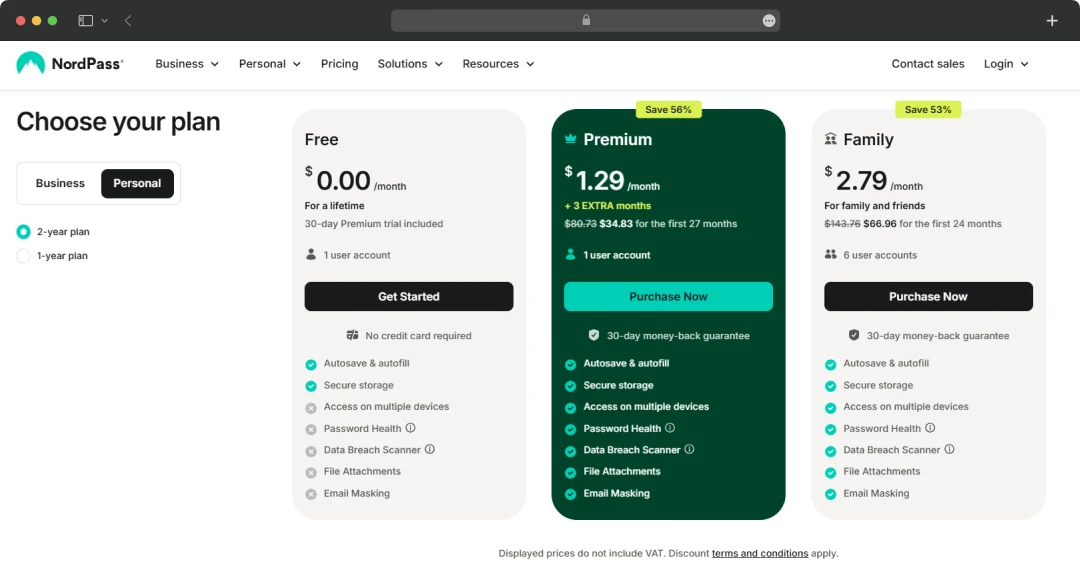
NordPass is offered to its users in two plans, i.e., Personal and Business. And each of these plan are delivered in three tiers + 1-Year and 2-Year Plan. So, below I have mentioned the prices associated with both catering to all types of users.
Personal:
| Factors | Free | Premium | Family |
|---|---|---|---|
| Price | $0 | $1.69 (1-Year Plan) and $1.29 (2-Year Plan) | $3.69 (1-Year Plan) and $2.79 (2-Year Plan) |
| Duration | 30 Days | 1 Month | 1 Month |
| Number of Users | 1 | 1 | 6 |
| Features |
|
|
|
Business:
| Factors | Teams | Business | Enterprise |
|---|---|---|---|
| Price | $1.99 (1-Year Plan) and $1.79 (2-Year Plan) | $3.99 (1-Year Plan) and $3.59 (2-Year Plan) | $5.99 (1-Year Plan) and $5.39 (2-Year Plan) |
| Duration | 1 Month Per User | 1 Month Per User | 1 Month Per User |
| Number of Users | 10 Users | From 5 Users | From 5 Users |
| Features |
|
|
|
Customer Reviews
How was your experience with the product?